Keys & Tokens
API tokens for automation and the SSH key pool for servers.
The Keys page is the credential control center: API tokens for programmatic access, and the SSH key pool that server connections draw from.
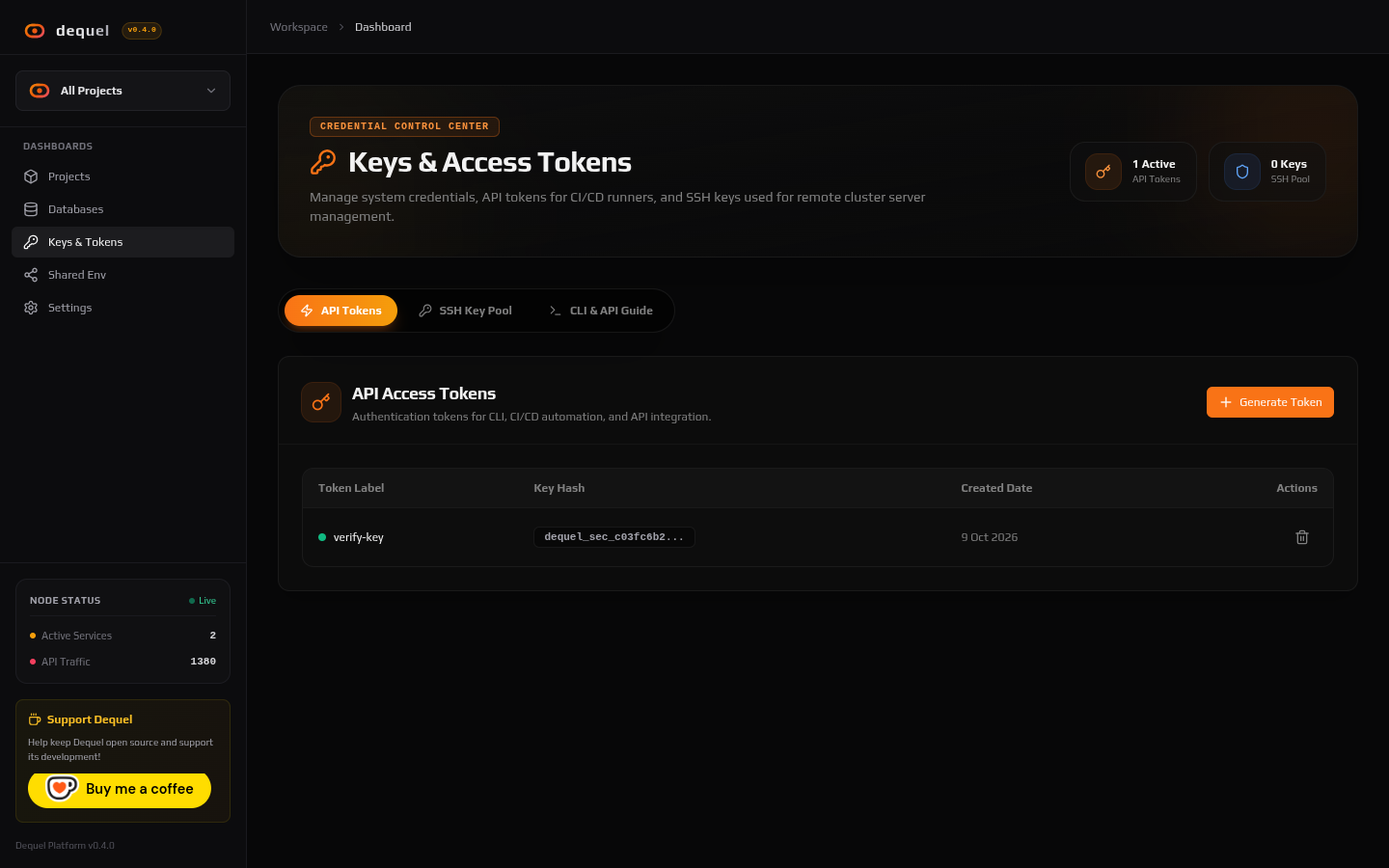
API tokens
Generate a token with a label and a scope preset (CI/CD pipeline,
monitoring and logs, or full admin). The dql_... token is shown
once — copy it immediately; afterwards only its hash prefix is
listed. Send it as a Bearer token:
curl -H "Authorization: Bearer dql_<key>" https://dequel.example.com/api/projectsScopes are enforced per HTTP method (read vs write). Revoke a token
from the table when it leaks or is no longer needed. The CLI guide
tab shows copy-paste curl snippets and secret-handling practices.
SSH key pool
Servers connected over SSH authenticate with a key from this pool, not
with per-server pastes. Add a PEM/OpenSSH private key (paste or upload
.pem / .key); Dequel detects Ed25519/RSA formats, fingerprints the
key, and rejects duplicates. Private material is never displayed again
— only name, fingerprint, tags, and date.
When you add a server (Settings → Servers), pick its key from the pool dropdown. Rotating a server’s access means updating the pool entry it points at.
Next steps
- Read Authentication for login sessions.
- Read Servers to attach keys to machines.