Platform Settings
SMTP, ingress, backup storage, GitHub, servers, and AI keys.
Settings (sidebar) is where the platform itself is configured. A banner counts registered nodes and flags integrations that still need attention.
Servers
Connect machines over SSH or WireGuard agents, prepare them with Docker / Caddy / BuildKit, and pick deployment targets. Documented in full under Servers.
Backups
Local-path or S3 storage plus the internal database schedule. See Backups.
GitHub
OAuth app credentials, connect/disconnect, and the callback URL. See GitHub.
SMTP
The relay for alert emails and failure notifications: host, port, user, password (encrypted at rest), and sender address, with presets for Resend, SendGrid, Postmark, Mailgun, and AWS SES. Send Test Email verifies the setup before you depend on it.
Without SMTP, email-channel alert rules cannot deliver — Slack and webhook channels work independently.
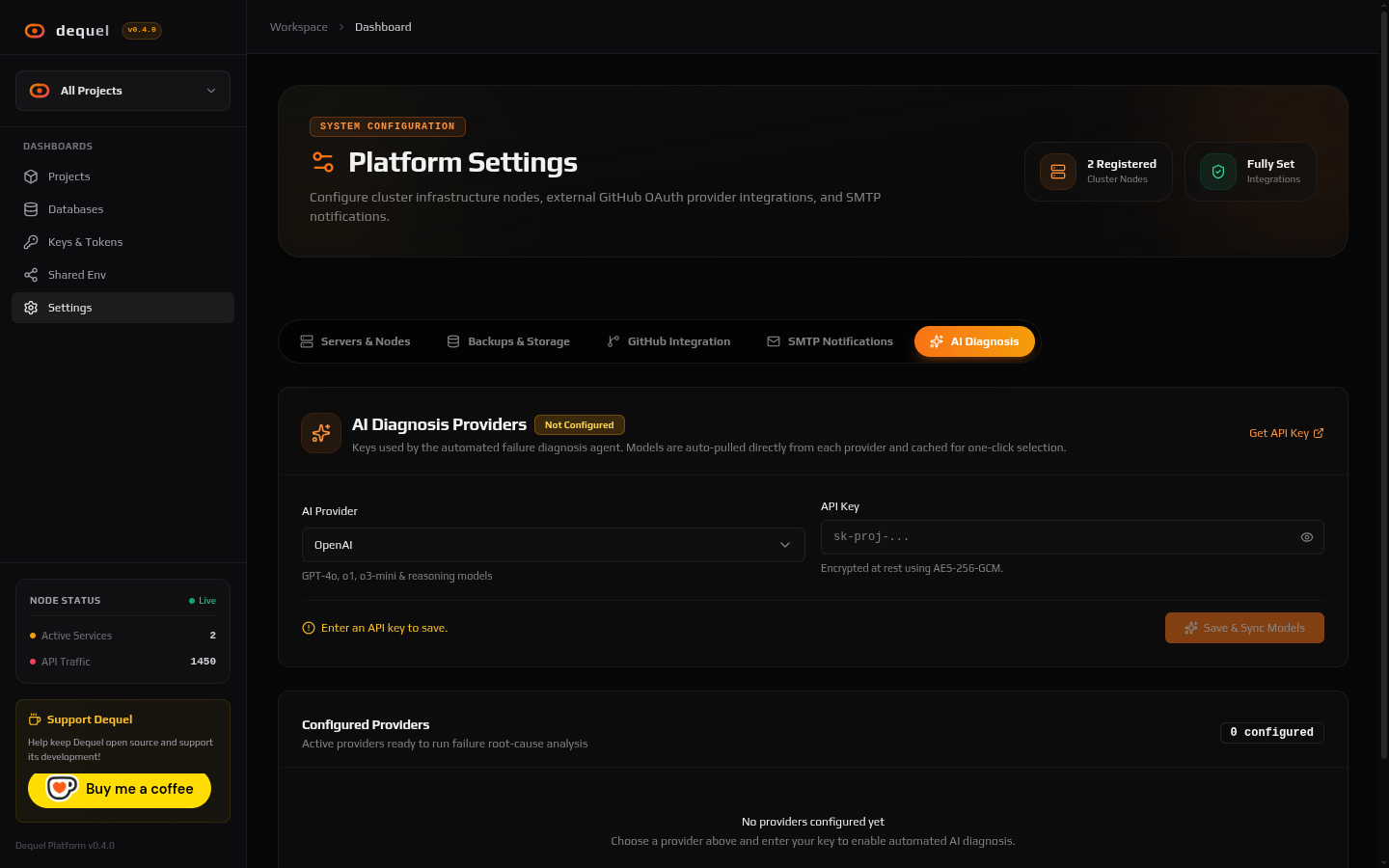
AI
Provider keys for AI Diagnosis: OpenAI, Anthropic, Gemini, Groq, self-hosted Ollama, or any custom OpenAI-compatible endpoint (base URL). Keys are AES-256-GCM encrypted and never shown after saving; leaving the field blank keeps the stored key. Save & Sync Models pulls the provider’s model catalog so the diagnosis sheet offers real model names.
Ingress
The ingress view shows which server terminates public traffic and the failover state. App hostnames stay identical across servers regardless (see Servers).
Next steps
- Read System Configuration for env/file settings.
- Read Alerts to wire SMTP into notifications.