Shared Env Vars
One secret library linked into many projects.
Shared Env is a global variable library. Define a value once — a third-party API key, a common feature flag, a shared endpoint — and link it into any number of projects instead of pasting it everywhere. Rotating the shared value updates every linked project on its next redeploy.
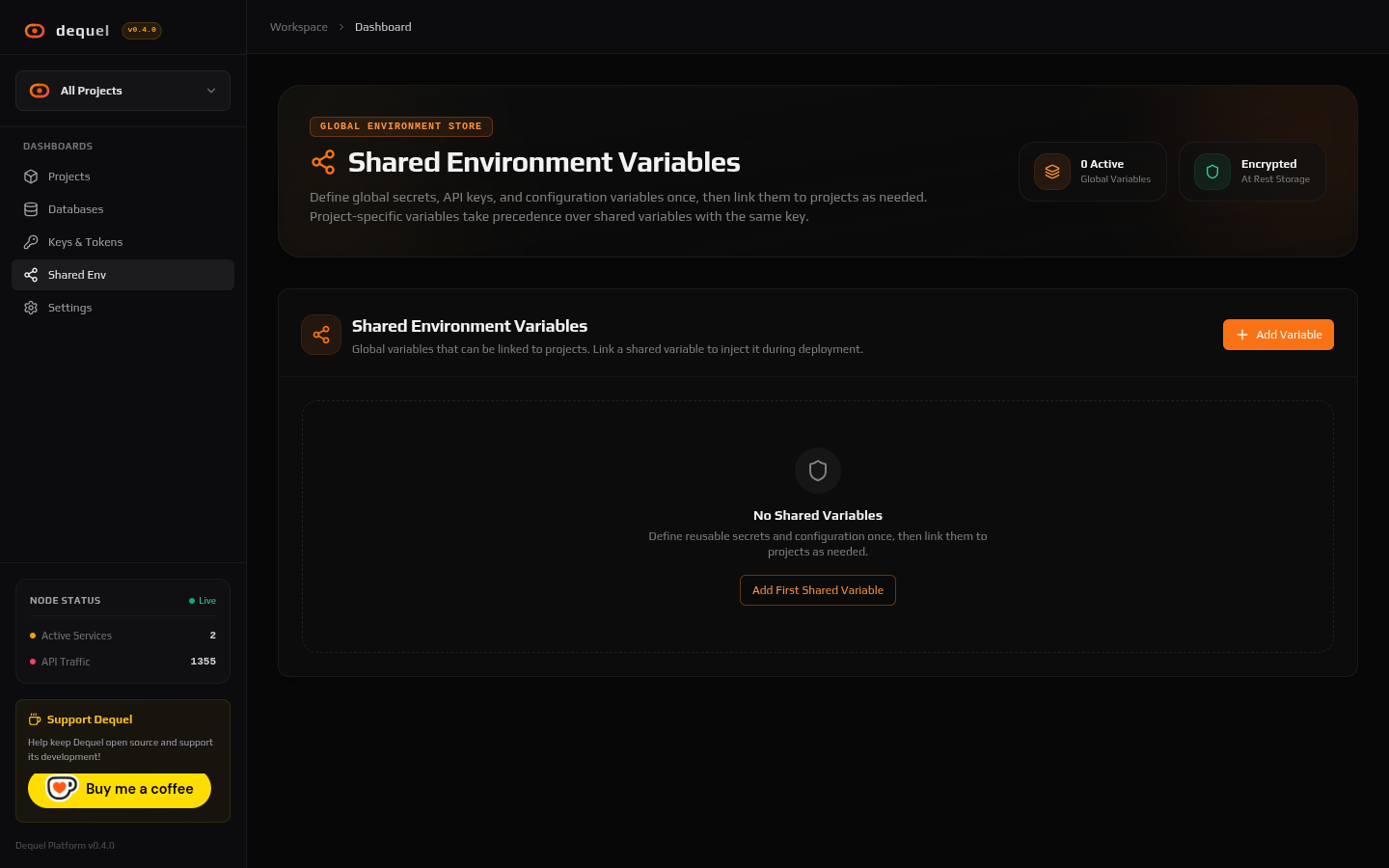
Creating shared variables
Open Shared Env in the sidebar and add a variable with a key, value, description, and optional tags. Values are encrypted at rest and masked in the UI, exactly like project variables — reveal or copy them per row.
Linking into projects
Link variables from the project’s Env Variables tab (linked section) or while creating a project (the env step lists the library). Linking is by reference: editing the shared value changes what linked projects receive next time they start.
When a project-level variable and a shared variable share a key, the project value wins. Use that for per-project overrides of a shared default.
Unlink any time from the same section; the project keeps its own variables untouched.
Next steps
- Read Environment Variables for project-level config.
- Read Deployments to roll out rotated values.