Observability
Metrics, request logs, and runtime logs for every project.
Each project has an Observability tab (metrics) and a Logs tab
(request + runtime logs). The dashboard also links out to the full
Grafana instance at /grafana.
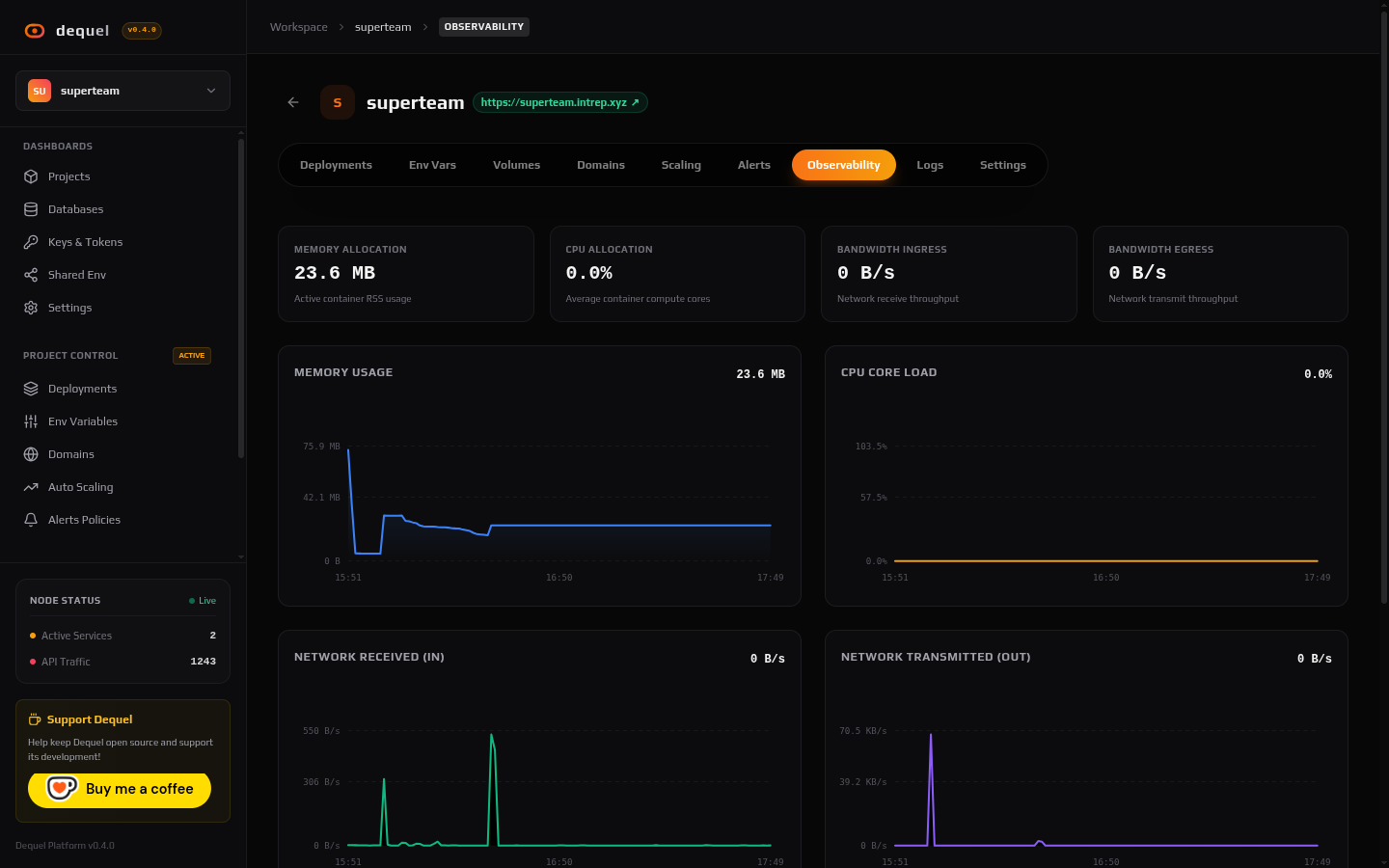
Metrics
The Observability tab charts the last 6 hours from Prometheus (fed by cAdvisor): memory, CPU %, network in/out per container, plus an edge request-load chart from the API’s own Loki-backed request matrix. Cards refresh every 15 seconds. An empty state means nothing is deployed yet — deploy to render telemetry.
Behind the scenes, GET /projects/:id/status aggregates health over a
configurable window, and GET /prometheus/query... proxies arbitrary
PromQL for custom dashboards.
Request logs
The Logs tab’s Request Monitoring view tails the Caddy access log for the project domain via Loki: method, path, status, latency, and a 30×1-minute histogram. Filter by date range (pauses the live tail), full-text search, and level checkboxes, or click a row for the slide-over detail. A live/paused toggle controls the SSE stream.
Runtime logs
The Runtime Logs view follows the running container’s stdout
(docker logs -f) over SSE — what your app actually printed, as
opposed to what the edge proxy saw. Same search and filter controls.
Grafana
Open Grafana (sidebar, under Observability) jumps to the platform Grafana with Prometheus and Loki data sources pre-wired, for ad-hoc queries across all projects and infrastructure.
Next steps
- Read Alerts to get notified on CPU, memory, or downtime.
- Read Deployments for build logs (as opposed to runtime logs).